Navigation settings
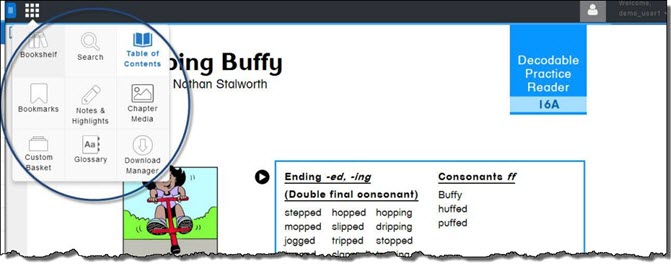
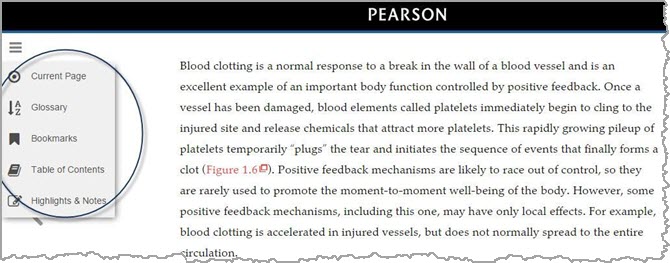
Use the Navigation Settings tab to optionally include or remove some user interface features of the eText 2.0 platform, such as the Bookshelf or Table of Contents. You are not obliged to add any information here; the default template is sufficient.
 Turning eText 2.0 features on or off (Global navigation settings)
eText 2.0 User Interface for School (RUMBA)
eText 2.0 User Interface for HigherEd (SMS)
Customize icons and names in the navigation menu (for eText 2.0 School [RUMBA] only)
Page Navigation settings