Use the assignments dashboard
In some courses, you might do gradable reading assignments. Use the dashboard to view details, open assignments, and track your progress.
 Using an LMS? Start from your learning management system if you work in Blackboard, Canvas, D2L Brightspace, Moodle, Sakai, or Schoology.
From your eTextbook, select Help & Support > Chat with Support to open the dashboard on Pearson+. Use the tabs to see:
 Up next
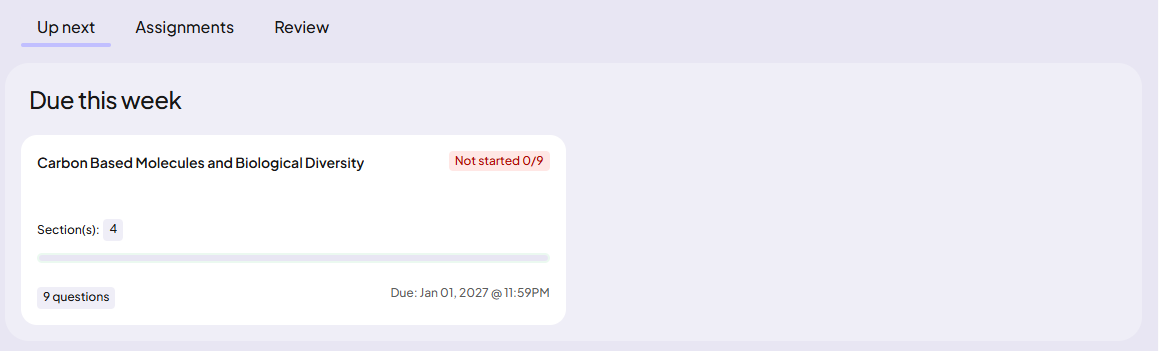
The Up next tab shows details about the next assignment that is due.
To do assignments:
- Select the assignment name to start.
The assignment opens in the eTextbook reader. - Answer questions directly in your eTextbook.
Assignments
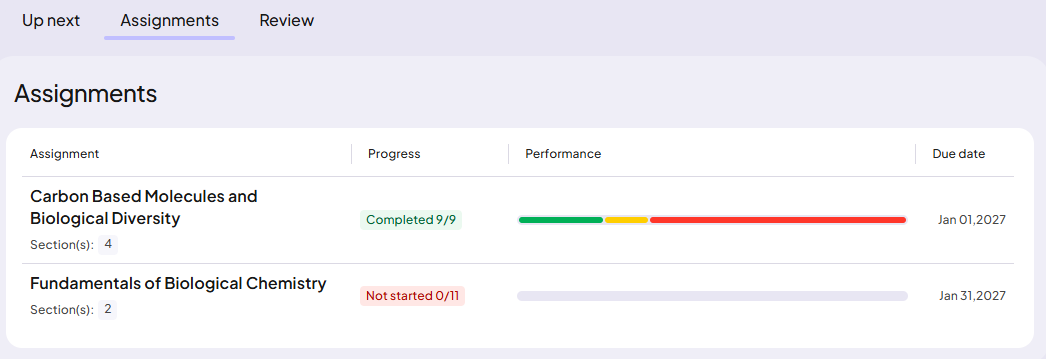
The Assignments tab lists all assignments. You can see your completion progress, performance, and due dates.
To do assignments:
- Select the assignment name to start.
The assignment opens in the eTextbook reader. - Answer questions directly in your eTextbook.
Review
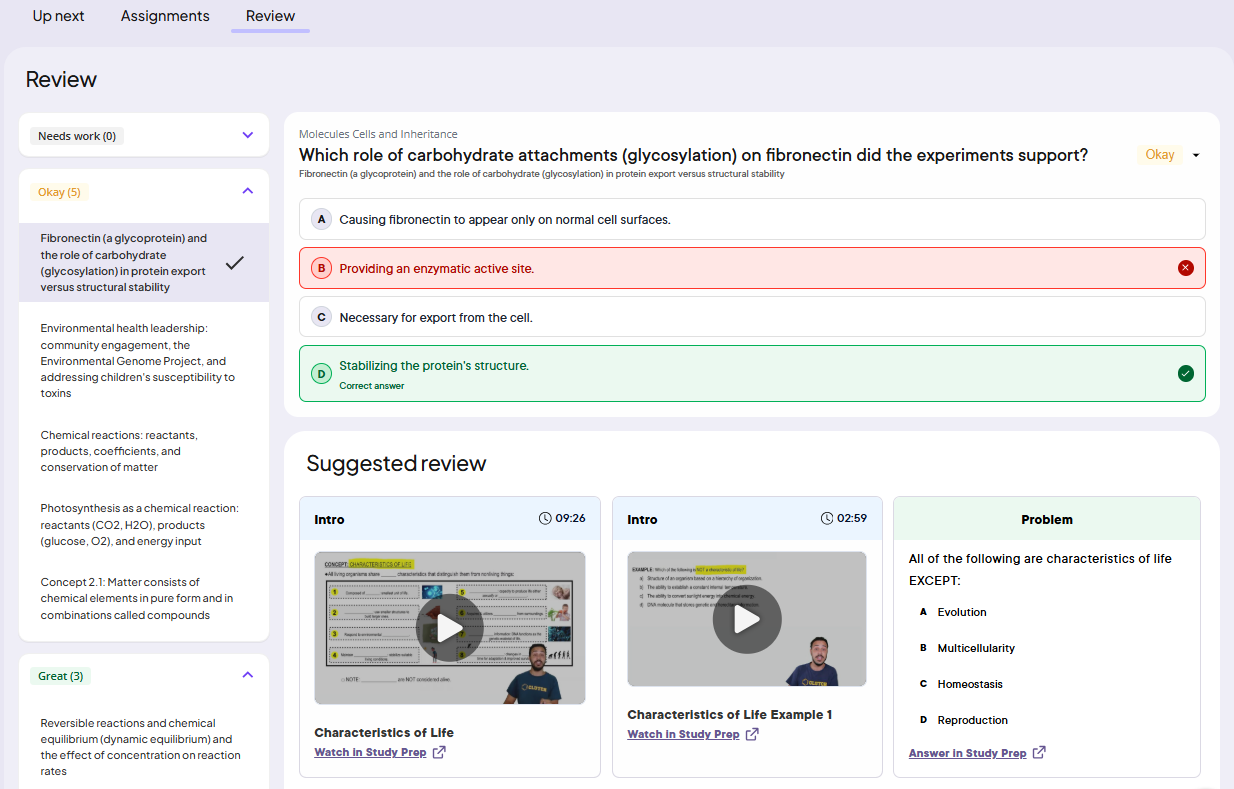
The Review tab shows your answers for questions and suggests material to review.
Updated 29 May 2026